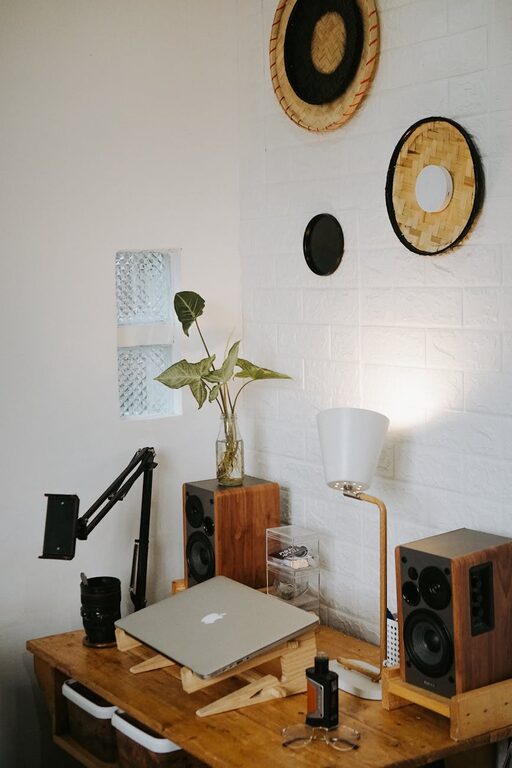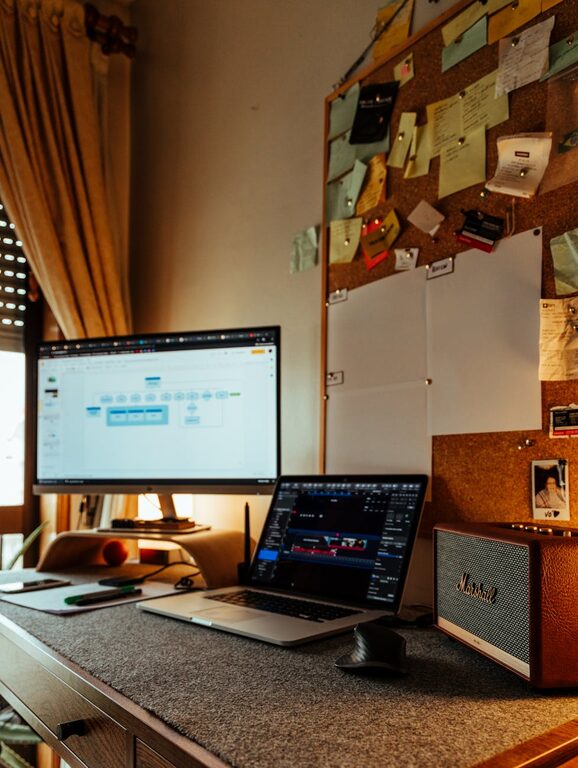

Creating a productive home office space is more important than ever, especially as more people work from home. A cluttered or disorganized workspace can distract you and reduce your efficiency, while a clean, well-designed office can help you focus and feel motivated. In this post, we’ll share practical tips to help you organize a clutter-free and productive home office space that suits your needs.
Why Organizing Your Home Office Matters
A well-organized home office doesn’t just look good — it also supports your work habits. When your space is tidy and everything is in its place, you can:
– Find what you need quickly
– Reduce stress and distractions
– Maintain better focus during work hours
– Separate work and personal life more easily
By setting up your workspace thoughtfully, you make it easier to stick to your daily tasks and meet your goals.
Choose the Right Location
Consider Natural Light
Try to place your workspace near a window if possible. Natural light helps reduce eye strain and can improve your mood, making it easier to stay focused.
Minimize Distractions
Pick a spot that is quiet and has minimal foot traffic. Avoid placing your desk in the middle of a busy room or near noisy appliances.
Declutter Regularly
Keep Only Essentials on Your Desk
Clear away anything that isn’t directly related to your work, such as unrelated papers, cups, or personal items. A clean desk encourages a clear mind.
Use Storage Solutions
Invest in drawer organizers, shelves, or desk trays to keep supplies neatly stored. Label boxes and files to find papers quickly.
Digital Declutter
Organize your computer desktop and files regularly. Delete or archive old documents and keep your digital workspace as clean as your physical one.
Use Functional Furniture and Layout
Ergonomic Chair and Desk
Choose a comfortable chair that supports good posture and a desk at the right height to prevent strain. Your comfort directly impacts your productivity.
Proper Desk Size
Have enough surface space for your computer, notes, and other essentials without making the area feel cramped.
Cable Management
Use clips, ties, or cable organizers to keep cords out of sight and prevent tangling.
Personalize Thoughtfully
Adding a few personal touches can make your office feel welcoming without creating clutter.
– A small plant can bring a touch of nature and improve air quality.
– A framed photo or artwork that inspires you.
– A desk lamp with adjustable brightness.
Be selective so these items don’t distract you or take up too much space.
Optimize Lighting
Ensure you have multiple sources of light. Use natural light during the day, and a good desk lamp for focused tasks. Avoid harsh overhead lights which can cause glare.
Create Zones for Different Tasks
If your space allows, set up separate areas for different activities. For example:
– Computer work zone
– Paperwork and writing area
– Storage zone for supplies
Having distinct areas helps keep everything organized and signals a change in task or focus.
Set a Daily Cleaning Routine
Before ending your workday, take 5-10 minutes to tidy your space. Put away papers, organize your supplies, and clear your desk to start fresh the next morning.
Use Technology for Organization
Consider apps and tools to help manage tasks and documents, such as:
– Digital calendars and to-do lists
– Cloud storage for easy access to files
– Note-taking apps to keep ideas organized
Keeping digital tools organized complements your physical space and helps workflow.
Final Thoughts
Designing a clutter-free, productive home office space is achievable with simple steps and regular maintenance. By focusing on organization, comfort, and your work habits, you can create an environment that supports your success and well-being. Start small, keep consistent, and enjoy the benefits of a well-ordered workspace every day.